 DeskTwin
Own memory and settings
Its own Claude Code memory, settings, skills and history. Use it for a client or employer account that must stay apart.
For Claude Desktop on Windows
DeskTwin opens extra copies of the official Claude Desktop app. Each copy has its own sign-in, its own desktop shortcut and a number on its icon.
One-time payment · Windows 10 and 11 · Not affiliated with or endorsed by Anthropic.
Click a shortcut. Each one opens its own Claude, side by side.
Claude Desktop keeps one sign-in at a time. Switching means signing out, signing back in and losing the sidebar you were working in.
Pick a name, a number and a colour, and choose whether it shares knowledge with your main Claude.
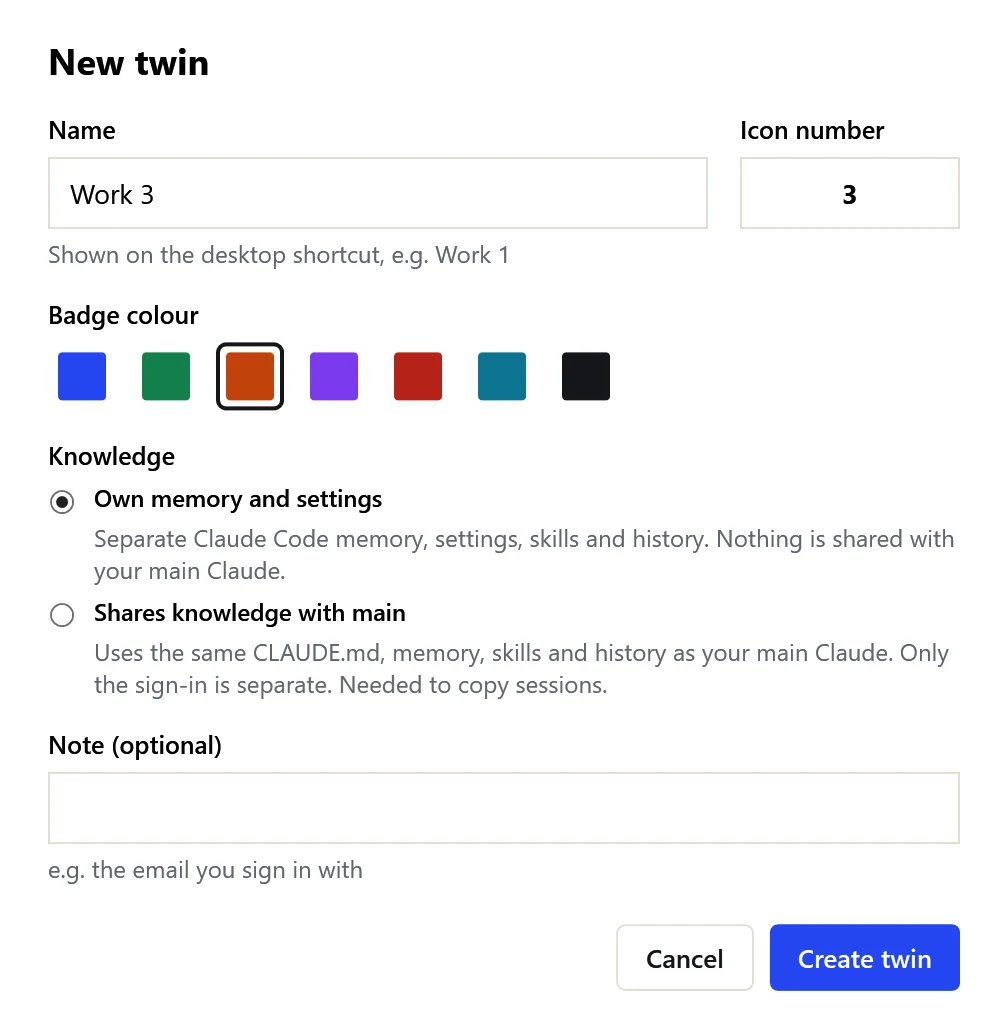
It opens the official Claude with its own folder. Sign in once with the other account. Next time it opens signed in.
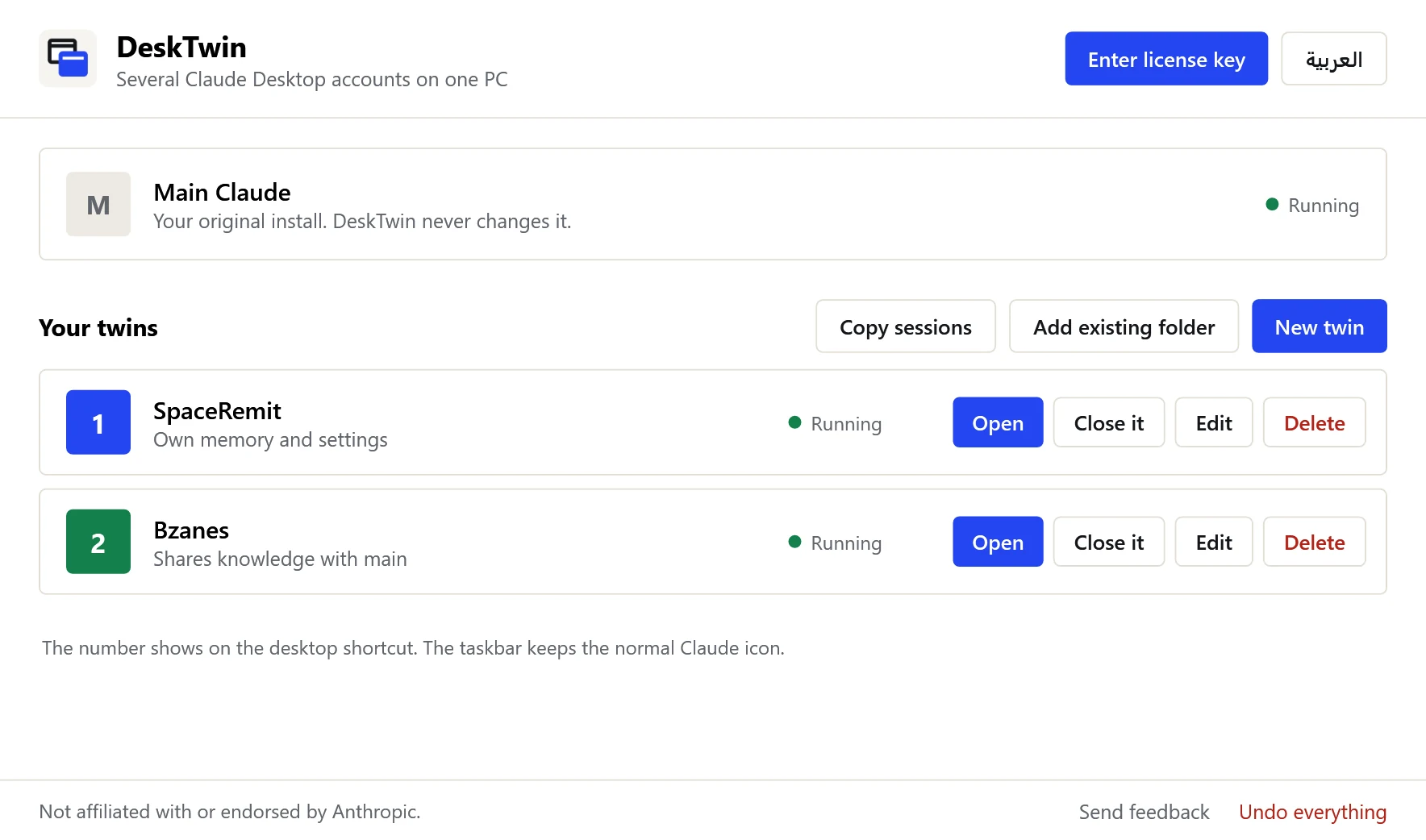
Open, close, rename or delete each twin. Copy chats between twins that share knowledge.
Its own Claude Code memory, settings, skills and history. Use it for a client or employer account that must stay apart.
The same CLAUDE.md, memory, skills and history as your main Claude. Only the sign-in is separate. You can copy a chat to this twin and keep going in the same project.
You can switch mode later. It applies the next time the twin opens.
Real setup
DeskTwin started on the maker's own Windows PC: a personal Claude account, a SpaceRemit account and a Bzanes account, all open at the same time.
One license key works on one PC. Three PCs? One key for 3 PCs is $8.99. Updates to DeskTwin 1.x included.
No. DeskTwin is an independent tool and is not affiliated with or endorsed by Anthropic. It starts the official Claude Desktop you already installed, with a different data folder. It does not modify, patch or copy Claude.
The standard Windows installer from claude.ai/download. If you only have the Microsoft Store version, DeskTwin will tell you; you can install the standard version next to it.
Every twin runs the same installation, so official updates reach all of them at once.
No. Each account uses its own plan. If you continue one chat from two accounts, tokens count on the account that sends the message, and the first reply after switching costs more because the cache does not move. Do not type in the same chat from two accounts at the same time.
Windows takes the taskbar icon from the app itself. DeskTwin puts the number on the desktop shortcut only.
One key works on the number of PCs it was bought for: 1 PC for $4.99, or 3 PCs for $8.99. For an office, buy one key per PC (or per three PCs). A key can move to a new PC with "Remove from this PC" on the old one.
Click "Undo everything". Twin folders made by DeskTwin go to the Recycle Bin and its shortcuts are removed. Your main Claude folders (%APPDATA%\Claude and .claude) are never touched, and folders you added yourself stay where they are.
Only the license check: your key and a random ID for this PC. It does not read your chats or send them anywhere.
DeskTwin is new and not code-signed yet, so SmartScreen may warn on first run. Click "More info", then "Run anyway".
No reviews yet. DeskTwin is new, so yours could be the first.